Patient Access

Radiology Scheduling Software: How to Fix Intake and Recover Lost Capacity

Scheduling and intake decide two things: how full the scanner is, and how prepared the patient is when they arrive. Here is where imaging centers actually lose capacity, and what each fix genuinely costs.

The short answer

Radiology scheduling software has two jobs: keeping the scanner full, and getting patients to arrive prepared. Imaging centers lose capacity to five causes: no-shows, manual intake, paper and faxes, uneven modality utilization, and no way for patients to book themselves. Each has a specific fix, and the order you attempt them in matters more than which ones you adopt.

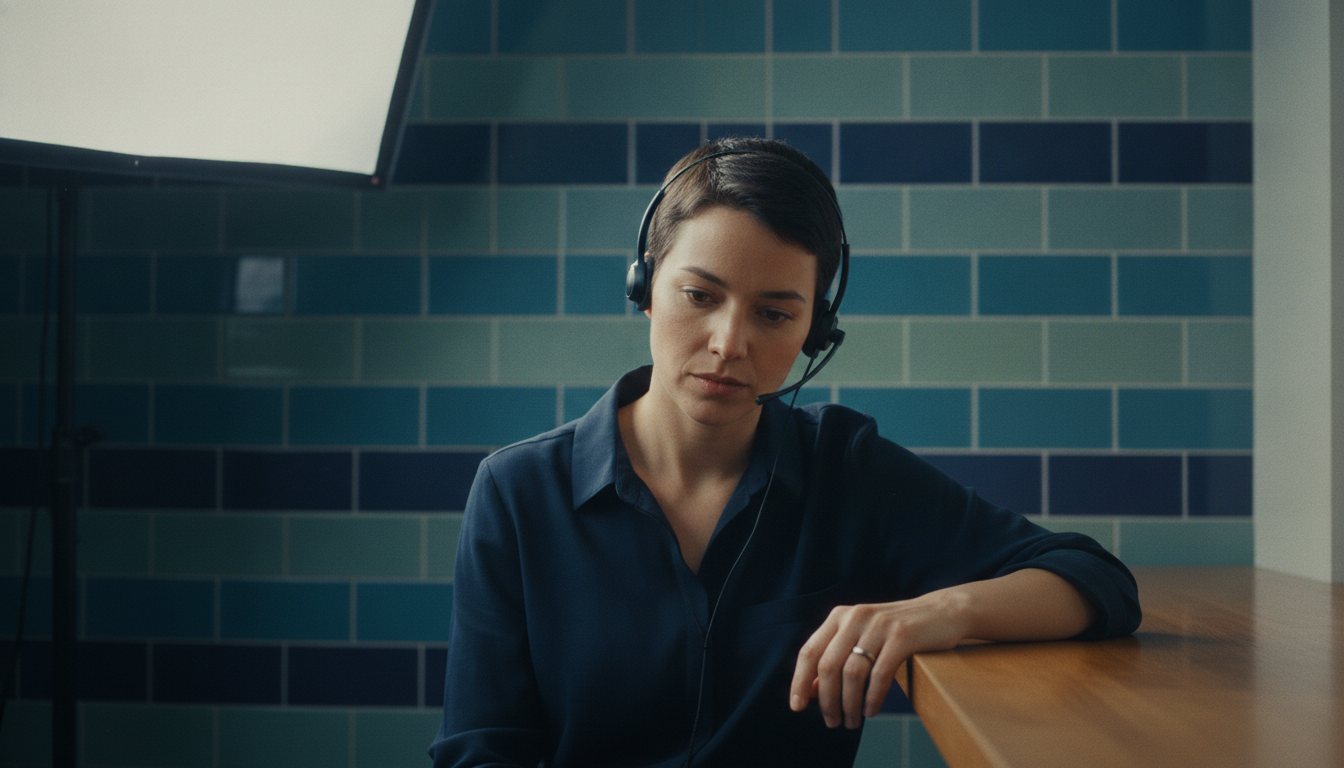
A scheduling coordinator on a headset at a reception counter, mid-call
Key takeaways
  • An empty slot is not recoverable. Waitlist automation returns more capacity than reminder volume does.

  • Intake done before arrival changes the whole day. Paperwork completed in the waiting room is paperwork completed at the worst possible moment.

  • Self-scheduling is a capacity decision, not a convenience feature. It moves bookings outside office hours, which is when a large share of patients act.

  • Utilization is measured per modality, not per site. A site at ninety percent can still have a scanner sitting idle.

Where imaging centers actually lose capacity

Capacity is rarely lost in one dramatic place. It leaks from five, and because each leak is small and routine, none of them ever becomes the thing anybody is asked to fix. Named together, they account for most of the gap between the schedule a center could run and the one it actually runs.

No-shows

A missed appointment is lost twice: the slot produces no revenue, and the patient still needs the study, so it consumes a future slot as well. Reminders help, but reminders alone treat the symptom. The recoverable capacity is in what happens to the slot once it is empty, which is usually nothing.

Manual intake

Registration handled at the desk means the patient's data is entered while they wait, by staff who are simultaneously answering the phone. It is the slowest point in the visit and the one where the most errors enter the record, which then surface later as claim rejections.

Printed paperwork and faxes

An order arrives by fax, forms are printed, completed by hand, and then re-keyed by somebody at the desk. Every one of those steps is a place where information is delayed, lost or transcribed wrongly, and none of them add anything the patient or the radiologist can use. Paper survives here not because it works but because replacing it means agreeing on what the digital version should contain.

Uneven modality utilization

Capacity is usually reported per site, which hides the actual problem. One modality runs at capacity with a three week wait while another sits idle, because scheduling rules were written once and never revisited against demand.

No self-scheduling

Patients who cannot book themselves must call during office hours, which is precisely when they are at work. A significant share of booking intent occurs outside those hours, and intent that cannot act frequently does not return: the patient means to call back, and then does not.

The cost is invisible in a way the other four are not. A no-show leaves a gap you can see in the schedule. A patient who never rang is not recorded anywhere, so the loss shows up only as a schedule that is quietly less full than it should be.

Why radiology scheduling is not ordinary appointment scheduling

Almost everything written about scheduling software assumes the dentist model: the patient picks a time, arrives, and is seen. Imaging does not work that way, and the difference is the reason generic booking tools disappoint here.

Before a slot can safely be committed, four things have to be true, and none of them are calendar problems.

Four things that have to be settled before a slot is real

The exam has to be protocolled. Somebody has to decide what is actually being performed: with or without contrast, which sequences, which phases. That decision sets the slot length and the preparation, so a system that books first and protocols later will regularly book the wrong amount of time.

The payer may have to agree first. Advanced imaging frequently needs prior authorization. An appointment booked before that comes back is a slot at risk, and rescheduling it costs more than holding it would have.

The patient has to be screened for safety. For MRI this is not paperwork. The ACR's MR safety guidance requires that any patient with a possible ferromagnetic foreign object be investigated before entering the magnet's controlled zone, and that implants be positively identified and assessed. Where contrast is planned, renal function matters too, which the ACR contrast manual addresses.

The patient has to arrive prepared. Fasting, hydration, held medication, arrival time for a timed injection. An unprepared patient is a canceled or repeated exam, which costs the slot twice.

What that means for radiology scheduling software

The practical consequence is that the scheduling question is not "is this time free" but "can this exam actually happen at this time". Judge a system on whether it knows the difference.

  • Does slot length come from the protocol, or is every appointment the same length until someone overrides it?

  • Can it hold a provisional slot pending authorization, rather than booking or not booking?

  • Where does the safety screening live, and does a failed screen stop the booking or just record itself?

  • Do preparation instructions attach to the protocol automatically, so the right ones go out without anyone choosing them?

The last one is where self-scheduling most often breaks. A patient booking their own CT is fine. A patient booking their own CT and receiving the wrong preparation instructions is a wasted slot and an unhappy patient, and the fault will look like the patient's.

Reminders, and the channel that actually gets read

Reminders are the visible part and the easiest to get roughly right. Text, or SMS, carries the appointment because it is the only channel with reliable open rates for a one-off visit. Email carries the preparation detail because it can be long enough to be useful.

One constraint is worth knowing before you build a reminder cadence. Patient messaging is regulated on two independent axes: the content under HIPAA, and the sending under the TCPA. The second of those carries per-patient frequency limits, which is covered in choosing patient engagement tools.
What to change, and what each change actually costs

Five changes come up in every conversation about this. They are not equivalent, they do not cost the same, and the order you attempt them in matters more than which ones you eventually adopt. The two groups below are separated on purpose: the first changes how work reaches you, and the second changes what you do with it once it has. Centers that attempt the first group before the second usually find they have simply industrialized a process that was not working.

Changing how bookings arrive

Self-scheduling captures bookings when patients are ready to make them. The cost is real: your scheduling rules have to be good enough to be exposed to the public, because a patient booking the wrong protocol is worse than a patient calling. Most centers discover their rules were never that precise.

Scheduling from multiple sources means orders arriving by fax, portal, phone and referring-office request all land in the same queue with the same rules. The benefit is one place to look. The cost is the integration work to get them there.

Changing what happens around the appointment

Waitlist automation fills a canceled slot by offering it, automatically, to patients who said they would take an earlier appointment. This is the single highest-return change on this list for most centers, because it converts an already-lost slot back into revenue and requires no change to how patients book.

Digital pre-registration moves intake before arrival. Done well, the patient arrives with demographics, insurance and history already captured and verified. Done badly, it becomes a second registration rather than a replacement for the first, and staff quietly stop using it.

Patient engagement tooling carries the preparation instructions, reminders and results communication around the appointment. Its value is preparation, not messaging volume: a patient who arrives correctly prepared does not become a rescheduled study.

What each change returns
Comparison
changereturnscostsdo it
Waitlist automationrecovered slots from cancellationslittle; it runs behind existing bookingfirst
Digital pre-registrationdesk time, cleaner data, fewer claim rejectionsworkflow redesign, staff retrainingsecond
Self-schedulingbookings made outside office hoursyour scheduling rules become publicthird
Multi-source schedulingone queue, one set of rulesintegration work per sourcefourth
Engagement and remindersbetter-prepared patients, fewer reschedulescontent and channel managementongoing

How to work through it

  1. 1

    Measure the empty slots, not the no-show rate

    A no-show rate is a percentage. What you need is the count of slots that went unfilled and the reason for each. Those are different numbers and only the second tells you what to fix.

  2. 2

    Look at utilization per modality and per hour

    Site-level utilization hides the imbalance that is costing you. Break it down until you can see which scanner is idle and when.

  3. 3

    Fix the canceled-slot path before anything else

    If a cancellation today does not automatically offer that slot to somebody, that is the cheapest capacity available to you and it requires no change in patient behavior.

  4. 4

    Move intake before arrival, then remove the old step

    Pre-registration only pays if it replaces the desk process rather than duplicating it. If staff still re-key at check-in, the project has added work.

  5. 5

    Open self-scheduling last, and only for protocols you trust

    Start with the study types whose rules are unambiguous. Expand as the rules prove themselves. Exposing a rule set you are unsure of is how self-scheduling gets switched back off.

Answers

Frequently asked questions

What is radiology scheduling software?

Software that manages appointment booking for imaging: slot rules per modality and protocol, orders arriving from multiple sources, reminders, waitlists and the intake that precedes the visit.

How do you reduce no-shows at an imaging center?

Reminders reduce some. Recovering the slot when a cancellation happens returns more, because it converts a loss that has already occurred rather than trying to prevent one.

Should imaging centers let patients self-schedule?

Yes, if your scheduling rules are precise enough to be exposed publicly. Start with the study types whose protocol rules are unambiguous rather than opening everything at once.

What is digital pre-registration?

Capturing demographics, insurance and history before the patient arrives, so registration is verification rather than data entry. It only pays if it replaces the desk step instead of duplicating it.

How do you improve scanner utilization?

Measure it per modality and per hour rather than per site, then revisit the scheduling rules against actual demand. Most imbalance comes from rules written once and never reviewed.

Why can't imaging use ordinary appointment scheduling software?

Because an imaging slot cannot be committed until the exam is protocolled, any prior authorization is settled, the patient is safety screened and the right preparation instructions have gone out. A generic calendar answers "is this time free". Radiology needs "can this exam actually happen at this time".

What has to happen between the order and the appointment?

Protocolling, which decides contrast and sequences and therefore slot length; prior authorization where the payer requires it; safety screening, which for MRI covers implants and foreign objects; and preparation instructions matched to the protocol. Systems that book first and resolve these afterwards produce slots that fail on the day.

Sources

Bring a week of your own scheduling data and we will show you where the capacity is going.

Bring your own numbers and we will walk through them with you.